可直接使用的提示词
原文
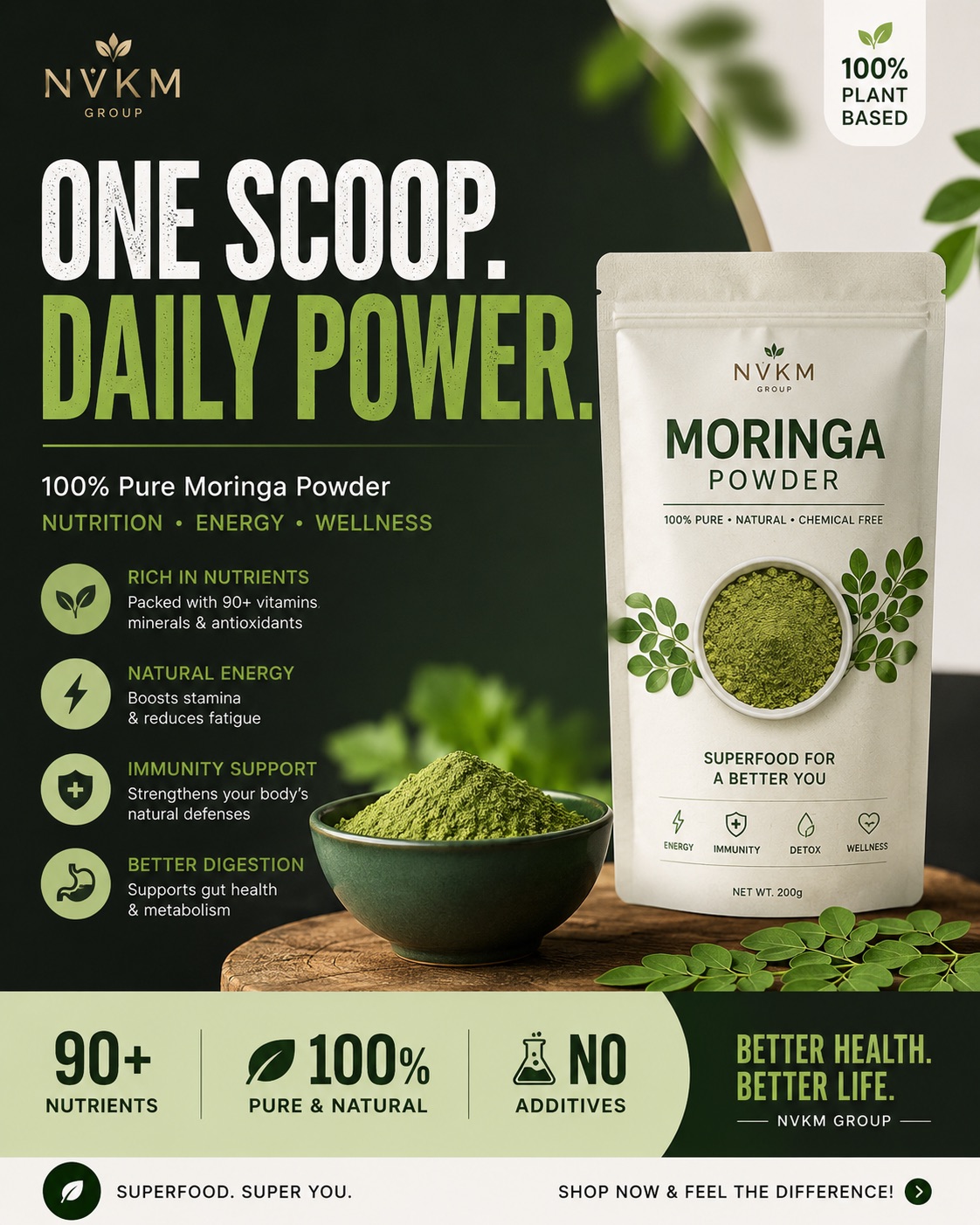
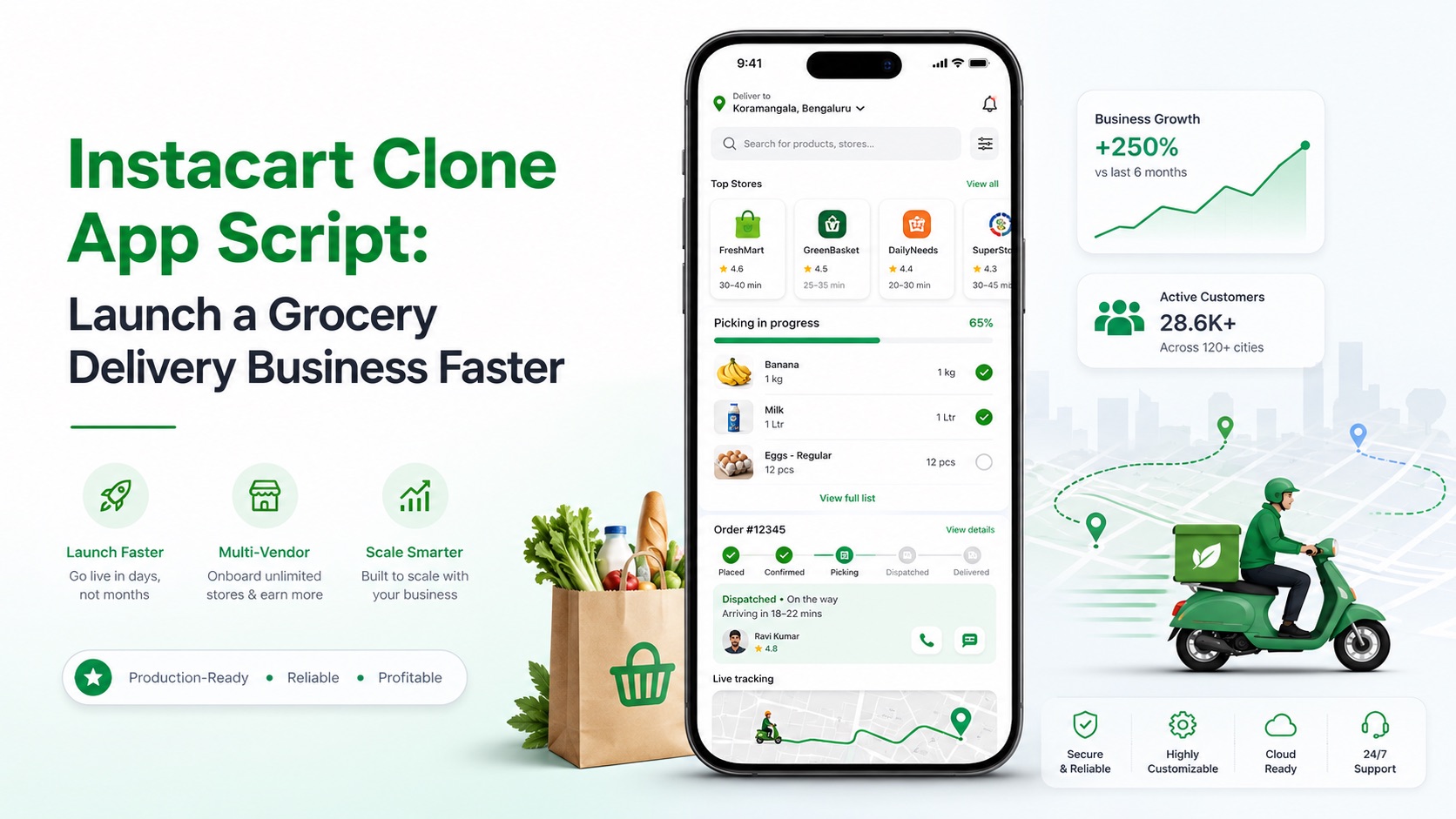
Blog Article Title: "Instacart Clone App Script: Launch a Grocery Delivery Business Faster" Primary Keyword to Highlight: "Instacart Clone App Script"Image PromptDesign style:Modern, clean, minimal, and professional B2B SaaS layoutSuitable for an enterprise technology blog or startup founder publicationShould look like a real designer-created marketing banner, not an AI-generated futuristic fantasyAvoid excessive tech elements, clutter, neon effects, or overly complex visualsUse a balanced layout with premium whitespace and a visually calm compositionMain visual concept: Show a realistic modern smartphone in the center displaying a multi-vendor on-demand grocery marketplace app interface featuring:A modern grocery store storefront list viewReal-time item picking checklist with a subtle progress barClean glassmorphic UI cards showing order dispatch statusMinimalist map pin showing hyperlocal routing linesAround the smartphone, include subtle business and mobility elements:A small minimalist grocery delivery paper bag or crate icon beside the phoneA tiny, clean silhouette of a delivery scooter in subtle motionSmart logistics vector route lines to emphasize speed and automated dispatchSubtle business growth or scaling elements representing rapid startup launch successText placement: Add the exact title on the image in a clean, uncluttered section (ideally left-aligned or positioned with generous padding): "Instacart Clone App Script: Launch a Grocery Delivery Business Faster"Typography & Keyword Highlighting:Clean, modern, flat vector typography (reminiscent of Inter or Helvetica Neue)The primary keyword "Instacart Clone App Script" must be visually highlighted using a distinct color (such as an organic corporate green or deep emerald) and bold font weight to immediately capture an entrepreneur's attention.The secondary text should remain in a readable, non-overpowering slate or charcoal color with proper letter spacing.Visual hierarchy:The highlighted text "Instacart Clone App Script" must be the primary anchor point for the eyes.The smartphone and app interface should visually support the SaaS software delivery message.The supporting logistics graphics should remain secondary, ensuring the overall image stays clean.Color direction:Premium SaaS color palette with a clean white or ultra-light gray backgroundSubtle, professional gradients (such as a soft mint-to-slate gradient blur in the background)Use trustworthy and premium business tones: deep charcoal for text, clean corporate green for grocery accents, and soft blues for tech highlights.Overall feeling: A startup founder, software buyer, or investor should instantly understand: "This is a fast, production-ready, premium software solution to launch a profitable grocery marketplace business immediately."Image size:Blog featured image formatHigh-resolution, crisp 16:9 widescreen compositionHighly optimized for website hero headers, LinkedIn article sharing, and organic Google SEO content promotion.Avoid:Robots or AI androids holding groceriesFuturistic floating digital brains or cheesy hologramsExcessive coding screens or matrix text effectsToo many overlapping app store badges and messy iconsCheap, fake 3D plastic mobile mockupsOverloaded text blocks or cluttered supermarket background photos案例说明
博客文章标题:“Instacart 克隆应用程序脚本:启动杂货熟食店的 AI 图像提示词,适用于 GPT Image。通过效果图查看构图、光线与色彩方向,再结合自己的主题继续调整。
适用信息
适配模型:GPT Image
难度:入门
标签:海报设计、文本生图、GPT Image、16:9
来源:AI妙词(已获授权转载),原条目 ID 5621。